Using Paze for Clover Restaurants
Dining has been one of my favorite ways to use the Paze digital wallet. And now that dining is one of this quarter’s 5% categories for the Chase Freedom® Flex℠ Credit Card, it means an opportunity to stack this Paze promo and earn a whopping 17x on eligible restaurant purchases. Yes, you read that: 17x. The card’s quarterly earnings combined with the +10x earning benefit mean that a $75 dinner order is suddenly worth 1,275 points. As with all things Paze-related, using Paze for Clover restaurants does require some troubleshooting and heeding some warnings. Back when the $10 off $10 promotion was running, I thought it was worth the effort for some steeply discounted meals and the chance to discover new-to-me restaurants. But the opportunity to earn 17x is arguably even more exciting.
What Is Paze, and Why Are People So Excited About It?
Before we talk about using Paze for Clover restaurants, here’s a quick refresher. Paze is a digital wallet, similar to PayPal. It has partnered with Bank of America, Capital One, Chase, Citi, U.S. Bank, Wells Fargo and other participating banks, allowing you to use eligible cards at checkout. You can see Paze’s current merchant list here. Now through Dec. 31, 2026, Chase is offering a +10x earning benefit on select eligible cards, offering some excellent earning potential.

How to Check Out With Paze at Restaurants
In addition to its merchant list, which already includes dining options like Dunkin’, Wendy’s and Domino’s, Paze can also work as a checkout method for Clover. Clover is a point-of-sale (POS) system that is used by restaurants and other types of merchants. If you can find some restaurants that consistently allow orders through Clover, it’s a great way to rack up lots of points on takeout meals. Here are some tips for using Paze for Clover restaurants.
First, find a restaurant that currently accepts Clover orders.
There are a few tools circulating online that can help with this, such as this one by Nextcard. If you use one of these tools, remember that because they include data on such a massive number of restaurants, they may not be perfectly accurate or up-to-date. If you open the Clover app, it will also show you nearby restaurants. I found the app to be a helpful fact-finding tool during a weekend trip to Chicago when we were trying to find a good spot we could walk to for a bite to eat. (However, the app is only useful for searching and not for ordering. More on that next.) You might want to exercise caution before placing an order, as some restaurants may technically be on the Clover platform but not be actively using it. To avoid a canceled order, confirm your order directly with the restaurant before or after placing it.
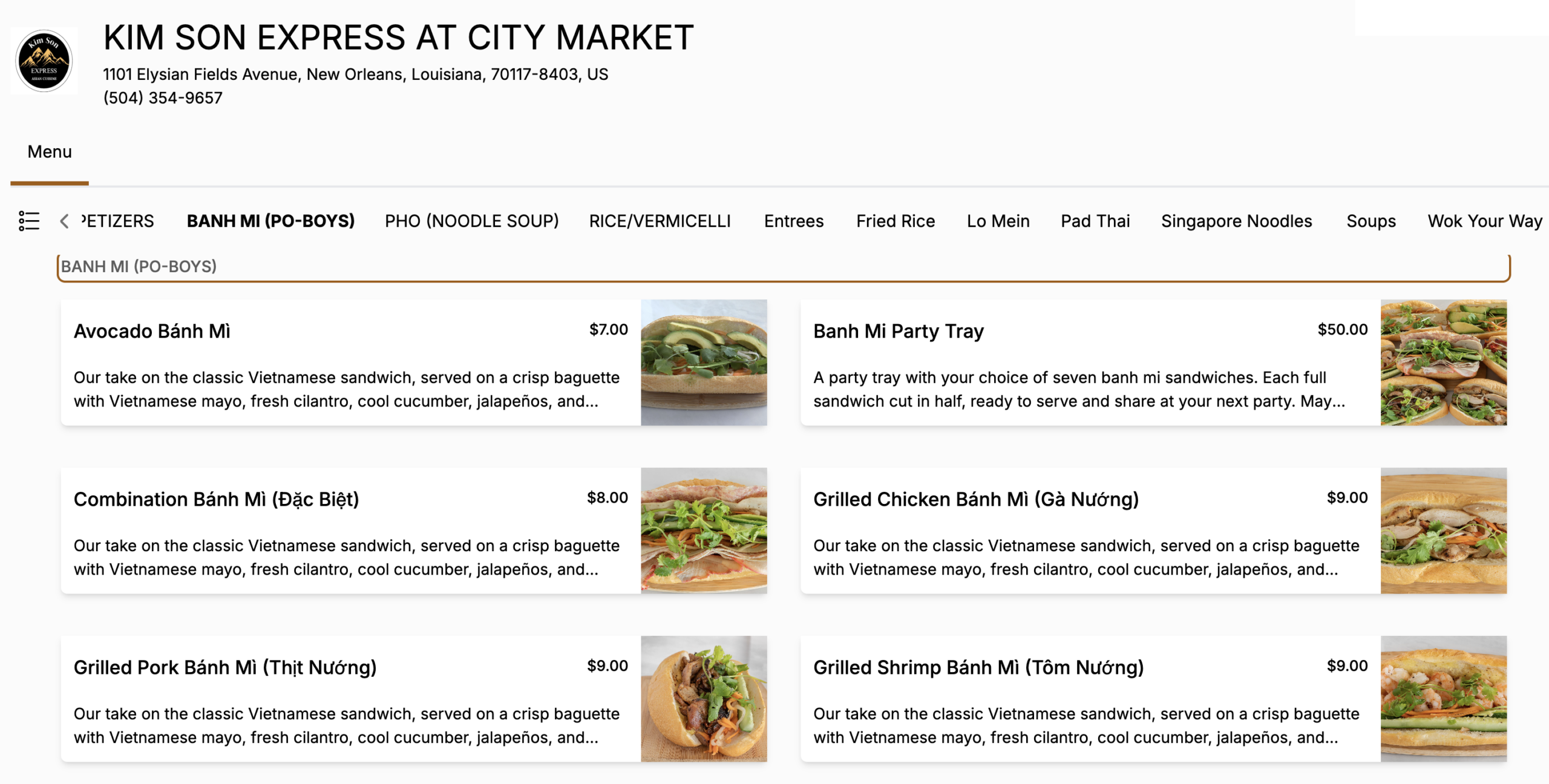
Use the desktop site to check out.
While I like the app as a restaurant discovery tool, I’ve never been able to check out with Paze on it. Once you’ve found a restaurant to order from, load its Clover page in a desktop browser. I like to click through its Google listing.
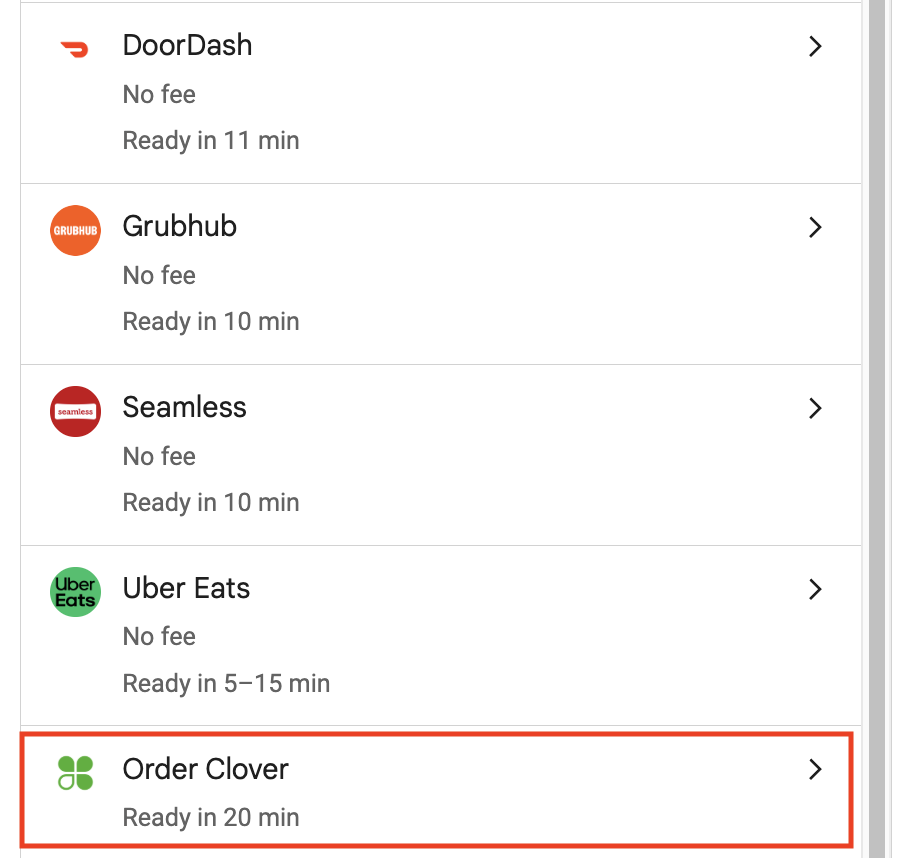
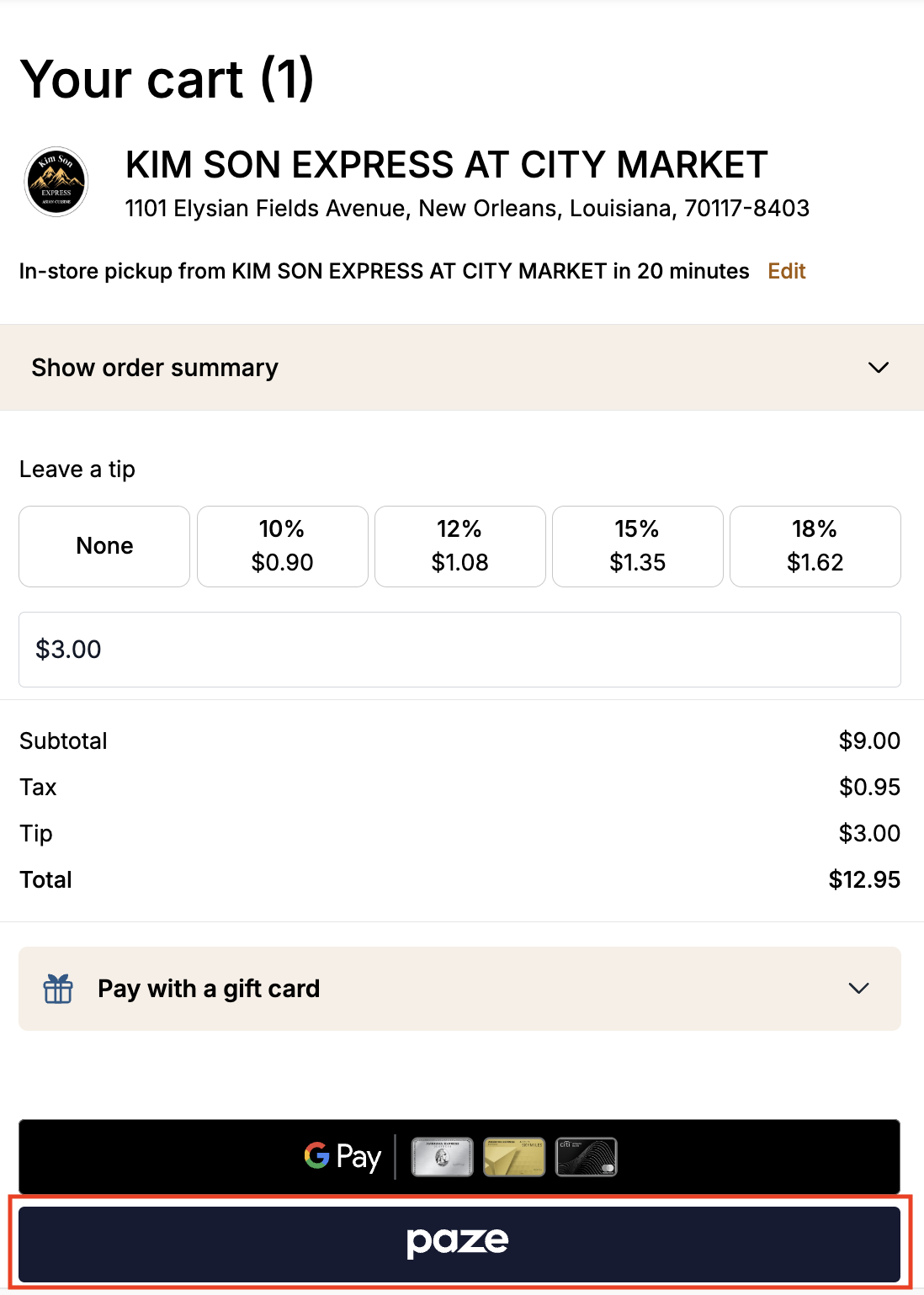
Select your menu items, and choose Paze at checkout. On the final checkout screen, you should see your linked cards.
Earn Up to 17x on Your Cards, Plus Other Stacking Opportunities
The 2026 fourth quarter 5% categories for the Chase Freedom® Flex℠ Credit Card include grocery stores, dining and American Red Cross donations. You can earn 5% on your first $1,500 in spend from all 3 categories combined. Learn more here and see the list of inclusions and exclusions here. Using Paze for Clover restaurants, here’s how to potentially turn that 5% into 17x:
- Start with 7% earnings: Since the card already earns 3% on dining, the 5% dining category supercharges your earnings to 7% total (3% base/dining earnings + 4% for the quarterly bonus). While you can earn cash back with the Chase Freedom Flex®, you can also use your earnings as points for travel if you have a premium Chase Ultimate Rewards®-earning card. Learn more here.
- Add in +10x earnings: Check out with the Paze digital wallet using your eligible card now through Dec. 31, 2026. Learn more here. On the Chase Freedom Flex®, your total earnings will add up to 17x.
- Search for other stacks, too. You could potentially earn other currencies simultaneously. Find a restaurant that works with Clover and is also eligible for programs like Rakuten Dining and Bilt Neighborhood Rewards. Just be sure to link the right card to your account on those sites before checking out.
Using Paze for Clover Restaurants: ToP Thoughts
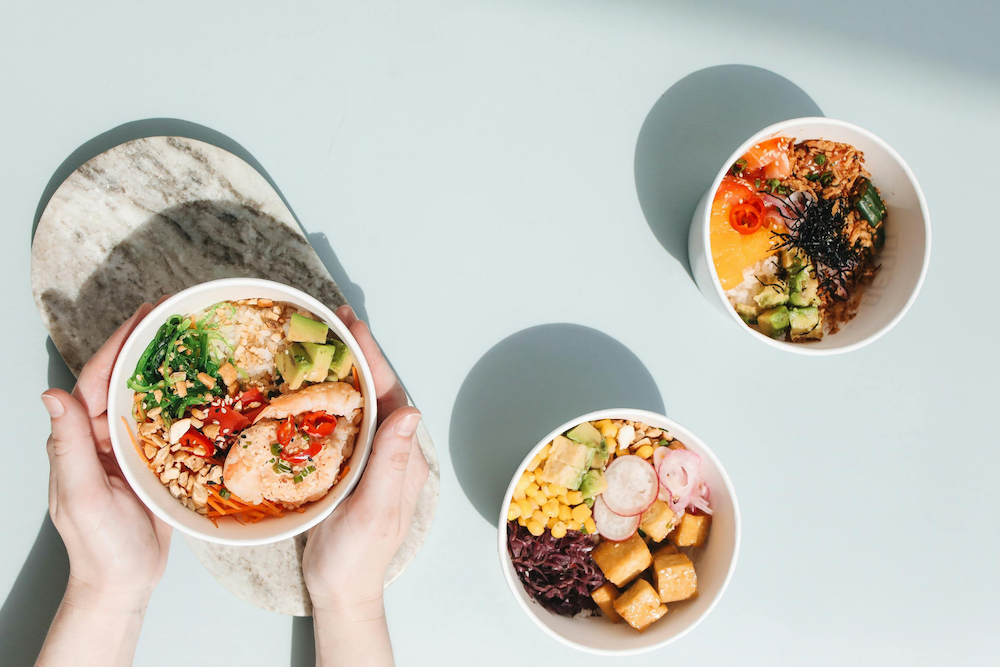
I was skeptical at first about using Paze for Clover restaurants. It took me a while to find places actively using Clover. I even had a couple of orders canceled. But once I locked in some reliable spots, I started using Clover several times a week. I’ve ordered poke, sandwiches, noodles, burgers, salads, coffee and more. I’ve even used Paze to pick up lattes and bagels from a cafe during a weekend trip to Chicago. I’ve loved the discovery element of this particular Paze use. It’s pushed me to find new restaurants in my city—and I’ve even uncovered gems while traveling. And now, earning 17x on dining this quarter through the Chase Freedom® Flex℠ Credit Card is a wild opportunity. Have you used any Paze for Clover orders? Tell us over in the ToP Facebook group.