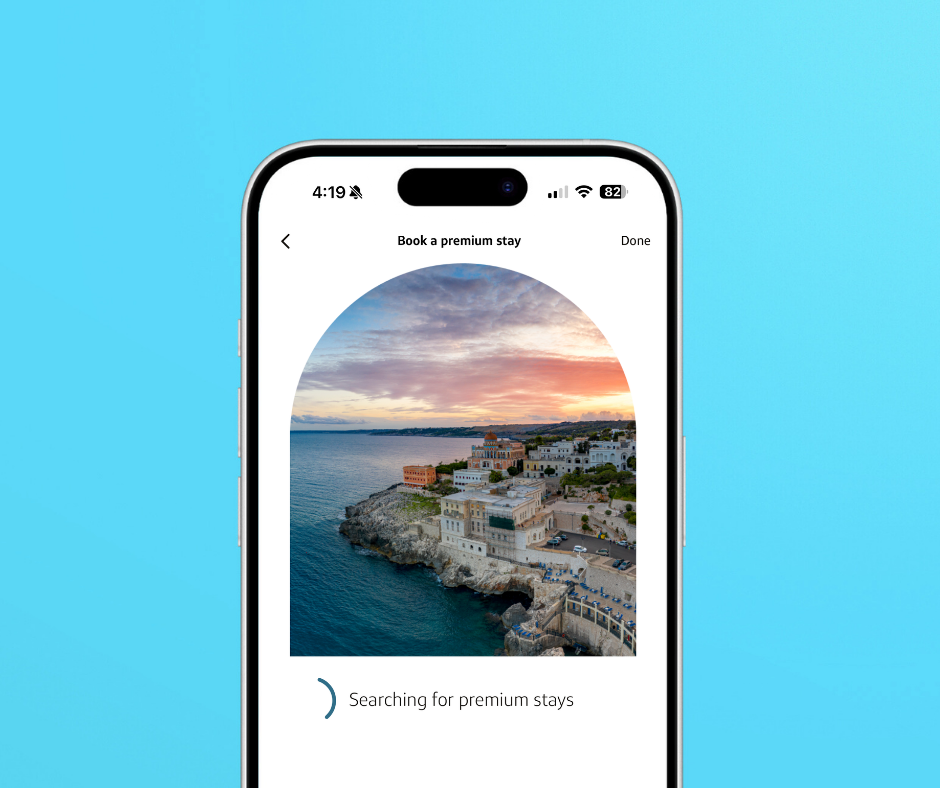
New Capital One Travel App
Yep, there’s another app for that. The new Capital One Travel App rolled out March 17. And with it, Capital One cardholders now have an easier way to get onto lounge waitlists, book and edit trips, and even track flight prices. The move augments the bank's growing focus on travel, including its expanding ecosystem of airport lounges, its luxury hotel booking program (dubbed the Premier and Lifestyle hotel collections) and its Capital One Business Travel platform featuring tools for business owners. We took the app for a test drive. While it does feature many of the tools that are already accessible through the main mobile banking app, its interface is slicker and its navigation is smoother. Here are our initial thoughts on the new Capital One Travel App.
The New Capital One Travel App – Features
Users can continue to manage trips, miles and card perks in the regular Capital One banking app if they want to. But the new Capital One Travel App offers a comparatively streamlined experience worth considering instead. The menu has been pared down to focus singularly on travel. Users shouldn’t have to do much digging to find what they’re looking for. These are the four main menu tabs and how to use each one:
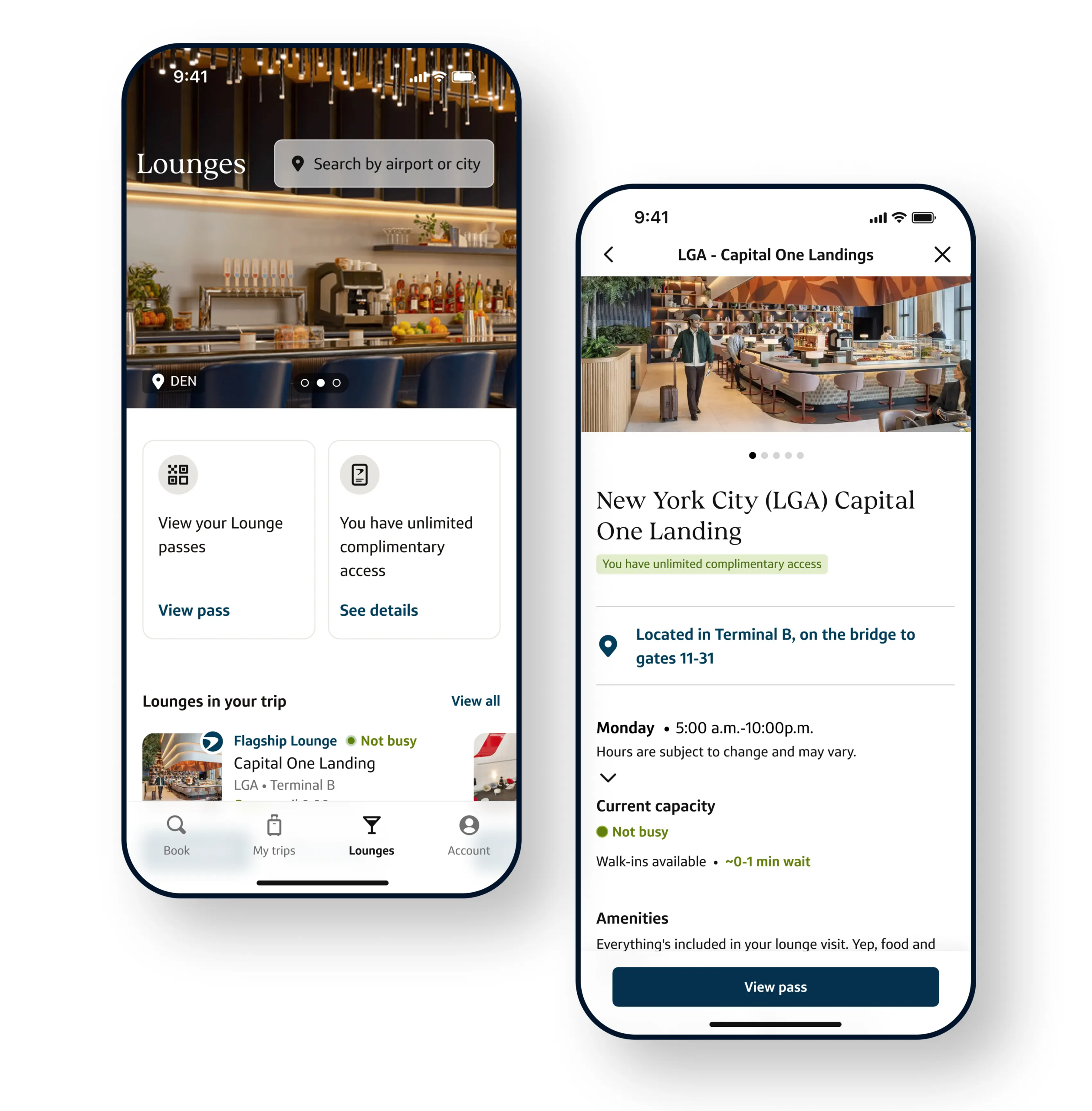
- Lounges: Search locations and capacity for Capital One’s Lounges and Landings. We were already fans of the waitlist function, and this offers an even quicker way to pinpoint wait times, join the virtual waitlist or make reservations (where applicable).
- Book: Cardholders can now more easily reserve hotels, cars, flights and activities through Capital One Travel. While our general guidance is to avoid travel portal bookings, they are sometimes required (ie, for taking advantage of the annual credits for popular cards like the Venture X and Venture X Business or earning and redeeming some lucrative bonuses like this one.)
- While your balance of miles has good visibility on the app, we don’t currently see an option to transfer points to partners. This would be another useful tool we hope to see added in the future.
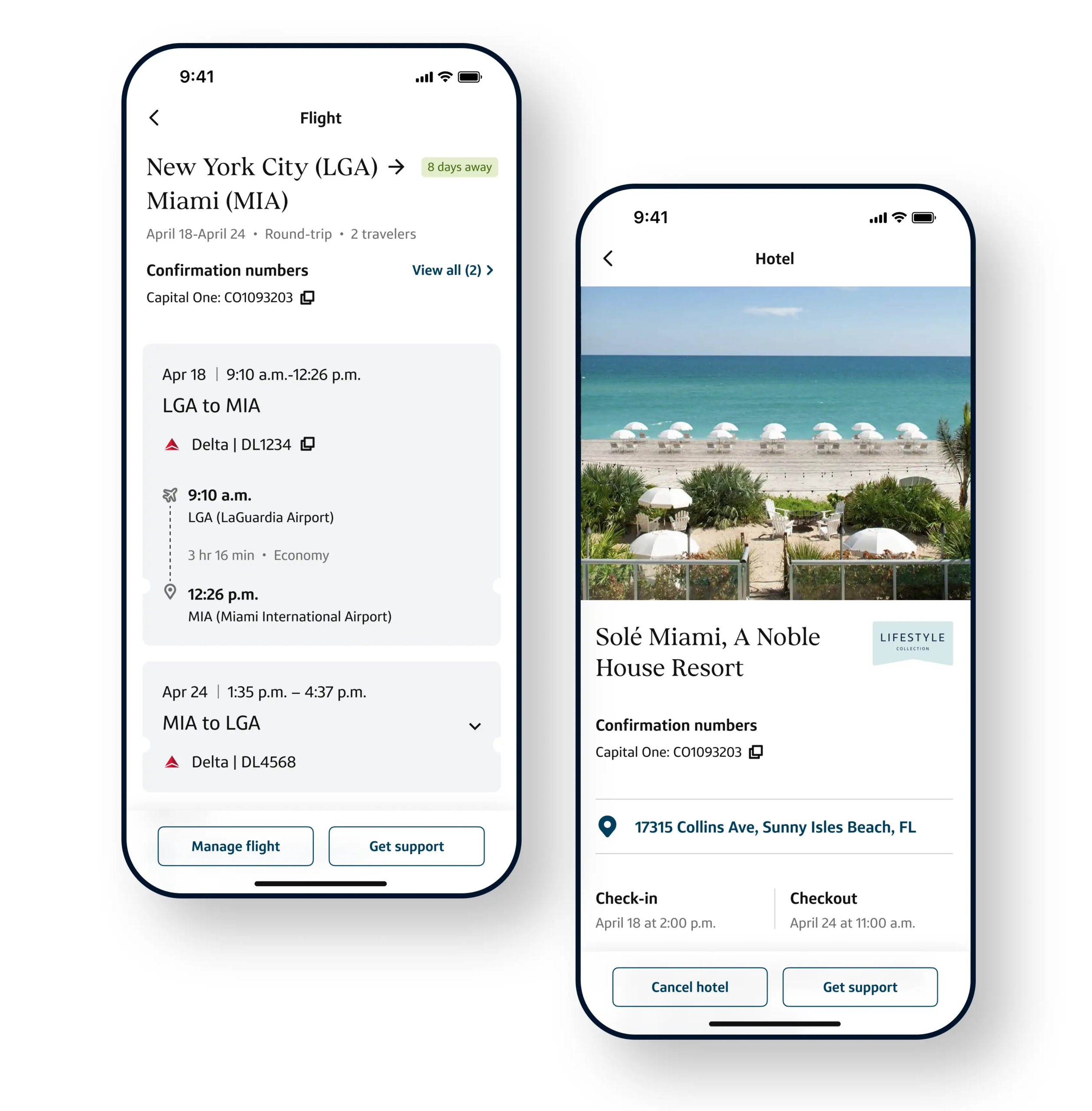
- My Trips: Manage itineraries or rebook reservations with some handy self-service functions. Monitor flight status updates and gate changes in real time. Setting up push notifications and email alerts here could be also be a helpful way to track cash flight prices. Tap “View Price Watches,” search your desired destination, and then select “Watch Trip.” A color-coded calendar system categorizes pricing by day, and a sliding scale advises whether it’s worth it to wait for rates to drop.
- Account: Create your travel profile with selections for your home airport(s) and preferred airlines and hotel brands. Organize important travel info for your family and co-travelers to keep it all in one place, including frequent flyer account details, passport and KTN numbers, and more.
How To Download The App
The new Capital One Travel App is now available for eligible Capital One cardholders to download on Apple and Android devices:
Links to download:
ToP Thoughts: The New Capital One Travel App
I’m always weary of adding another app to my phone, but this is a well-polished launch by Capital One. The new Capital One Travel App is stylishly designed, and its clean navigation makes it possible to efficiently accomplish tasks with fewer clicks. Have you tried the app yet? Come over to our Facebook group and weigh in.