
Sapphire Reserve Card StubHub Credits
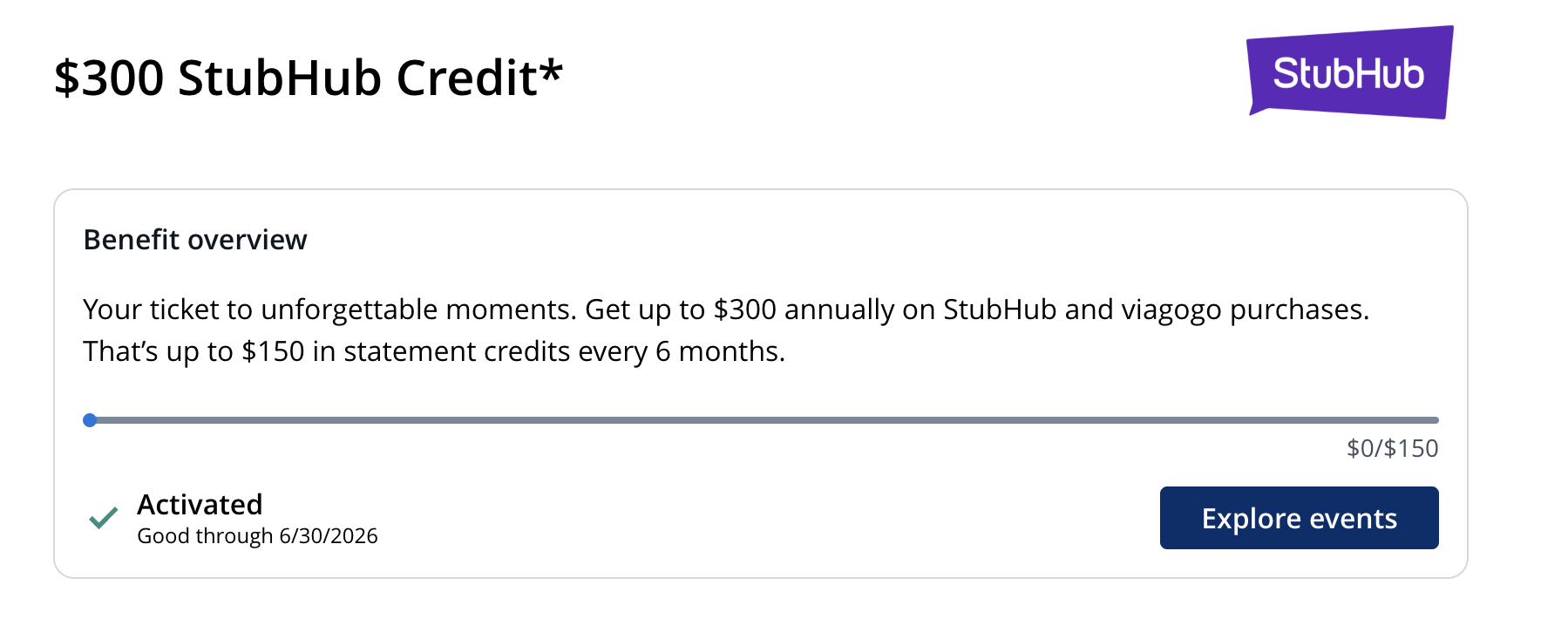
Concerts, music festivals, Broadway shows, sporting events. There are so many awesome ways to spend the Chase Sapphire Reserve® card’s $300 in credits for StubHub and viagogo. The card includes semiannual $150 credits for the ticketing platforms. The first credit for the 2026 calendar year must be used by June 30, and as that date approaches, we’ve been hearing lots of questions from ToP Facebook group members about how to best utilize this benefit. Here’s our guide to the Sapphire Reserve Card StubHub credits. UPDATE 7/15/26: StubHub is showing up to 12x on Rakuten today for its Big Deal Reveal.
How The Credits Work
Cardholders and authorized users can receive the Sapphire Reserve Card StubHub credits for purchasing tickets through either StubHub or its sister site, viagogo. Credits are available through 11:59 p.m. ET on the last day of these semiannual periods:
- Jan. 1-June 30: Up to $150 statement credit
- July 1-Dec. 31: Up to $150 in statement credit
Instructions For Redeeming Your Credits
- On your benefits dashboard, be sure to enroll in the credit. Chase’s terms says this is a one-time activation, but you may still want to double-check that your enrollment was successful before making your purchase.
- Navigate to the StubHub or viagogo websites and apps. When searching for tickets, check both as pricing can vary different between the two platforms.
- Use your eligible card to make a qualifying purchase. No minimum purchase is required.
- A few things are excluded, including gift cards and purchases through StubHub International.
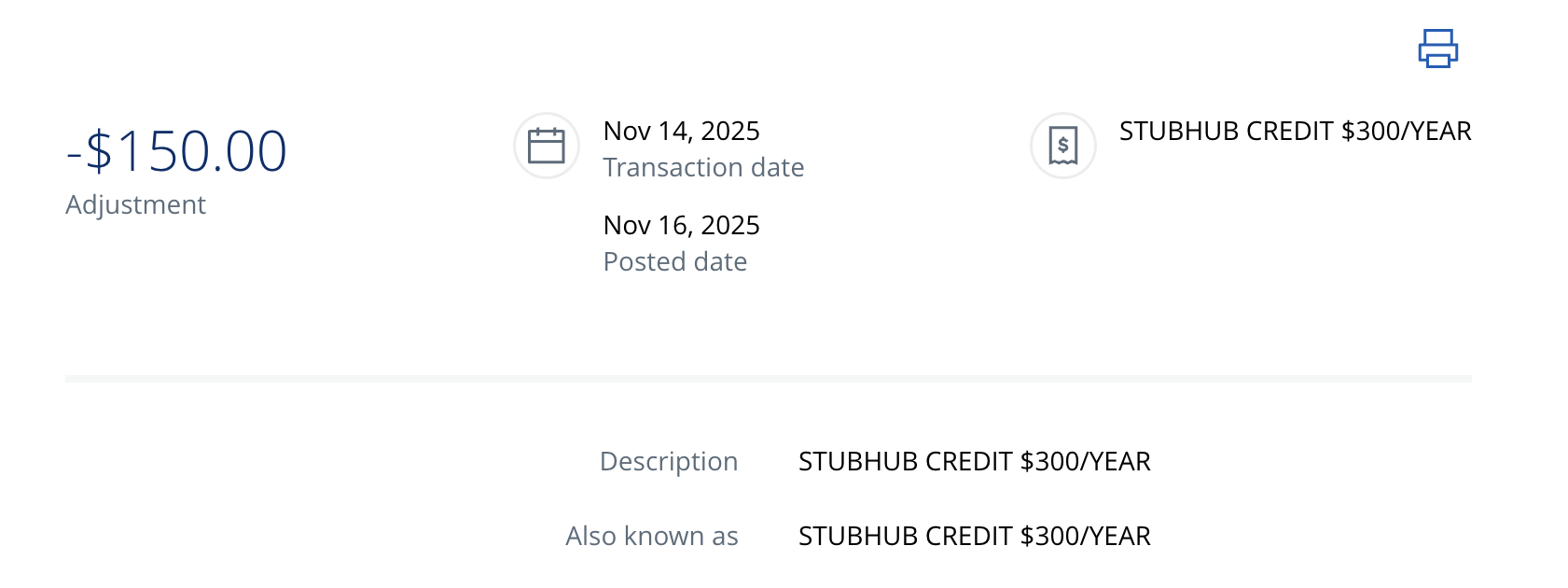
- The statement credit will be automatically applied.
- Statement credits typically post within 3 business days, though the terms say they may take up to 4 weeks.
- Terms also say “merchant delays in the processing or submission of transactions can cause purchases made during one statement credit period to be allocated to the next period.” Translation? Don’t wait ’til the last minute to use this one.
- Reversals: Chase says it may reverse credits if a purchase is returned, canceled or modified—or if your account is closed within 90 days of receiving a statement credit.
Stacking Opportunities
ToP members love a good stack. Luckily, there have been many great stacking opportunities that have popped up since the Sapphire Reserve Card StubHub credits were introduced, including:
Shopping Portals
Earn extra points, miles or cash back by running this purchase through a portal before charging it to your Chase card. Watch for multipliers on StubHub or viagogo on:
- Rakuten: StubHub is showing as 12x on Rakuten today.
- Rove: The portal has previously had offers as high as 13.1X.
- Capital One Offers and Capital One Shopping: Both have had some seriously lucrative offers—we’re talking 30-40X or cashback for StubHub. You can use your Sapphire Reserve Card at checkout, as long as you’re OK with the fact that Capital One’s tracking can be hit or miss.
- Check Cashback Monitor to compare these and other portals to determine which is offering the highest rate or best offer for your needs.
Paze
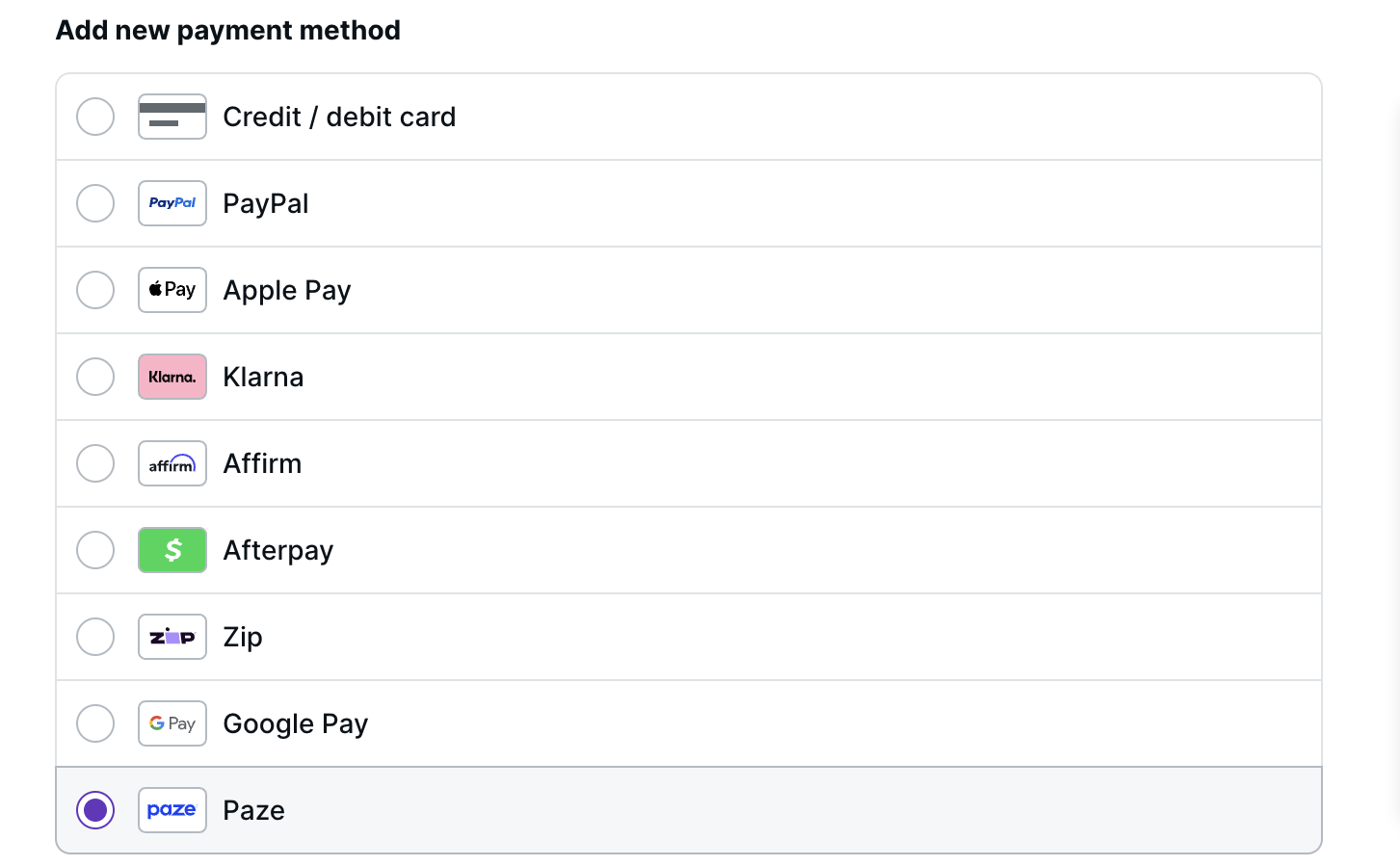
Perhaps the most exciting new way to stack these credits is through Paze, a digital wallet that you can link with your Sapphire Reserve Card. Chase recently introduced a new Paze benefit allowing those who hold select cards to earn +10X on purchases when paying with those cards via Paze at checkout. The benefit is available through Dec. 31, 2026 on up to $1,500 in purchases per month (for a total of 15,000 additional points monthly). StubHub is one of the merchants that can process payments through Paze. See our guide to Paze here, and learn how to get $10 off Paze purchases with a new promo.
Troubleshooting: If you don’t Paze on the app, try it on the website or on your mobile browser instead. Even after updating my StubHub app, Paze still wasn’t showing up as a payment option, but it works fine for me on the website. It also works for me within the Rakuten app, but I had to navigate all the way through the checkout and click the button to see more payment methods. We also have more general Paze troubleshooting tips in our guide to Paze.
Splitting Payments With Two Cards
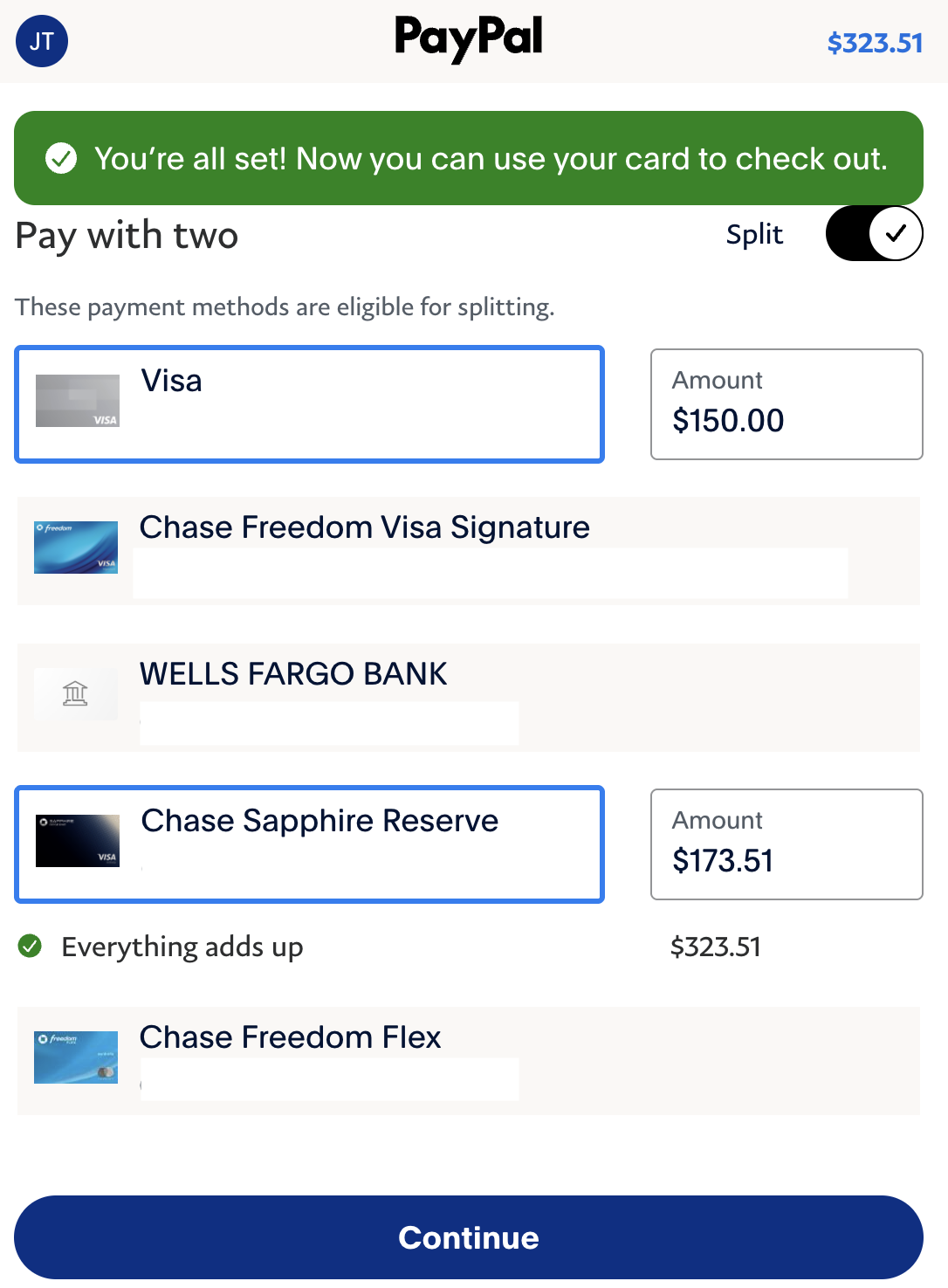
If your household has more than one Sapphire Reserve Card, you can each use your card to buy two tickets on separate transactions to the same show or event. Or, if you’re making a purchase on one transaction because you want to ensure you’re seated together, you can split the payments on two cards by using PayPal to checkout instead. This works at both StubHub and viagogo. First, add both CSRs to your PayPal account. When you go to check out through PayPal, toggle on the “Split” button and select the two cards you want to pay with. In the example below, I put $150 on P2’s CSR and $173 on mine.
Just note that this can be a bit YMMV, as we have seen varying DPs on the PayPal charges coding correctly and/or charges being declined. You may want to check that your address and information on your account and payment method all match correctly if you are having issues.

Sapphire Reserve Card StubHub Credits: ToP Thoughts
The Sapphire Reserve Card StubHub credits offer an opportunity to enhance a vacation by tacking on tickets to a show—or just a chance to attend an event closer to home. I used my Sapphire Reserve Card StubHub credits to see a Broadway show in New York last year, and it was honestly such a treat. And the chance to stack these credits for some extra points or cash back makes this benefit even better. Because StubHub and viagogo are ticket reselling sites, experiences will of course vary. But nice to stack some other earning and savings opportunities on ToP of the up to $300 credits for event tickets every year. Have you used this card perk yet? Tell us in the comments over on the ToP Facebook Group.