
How to Use Rakuten
Shopping portals offer cash back or points for simply making purchases at thousands of retailers online. Rakuten is one of the most popular shopping portals among us award travelers. It frequently runs promotions with up to 15% or 20% back per dollar spent. If you have an American Express card that earns Membership Rewards or a Bilt account with elite status, you can turn those cash back offers into points instead. Either option is great for turning your purchases into travel goals. Let’s walk through how to use Rakuten. UPDATE 7/9/26: This best-ever welcome bonus offer was supposed to end 6/30/26, but it has been extended to 9/30/26.
Where to Start
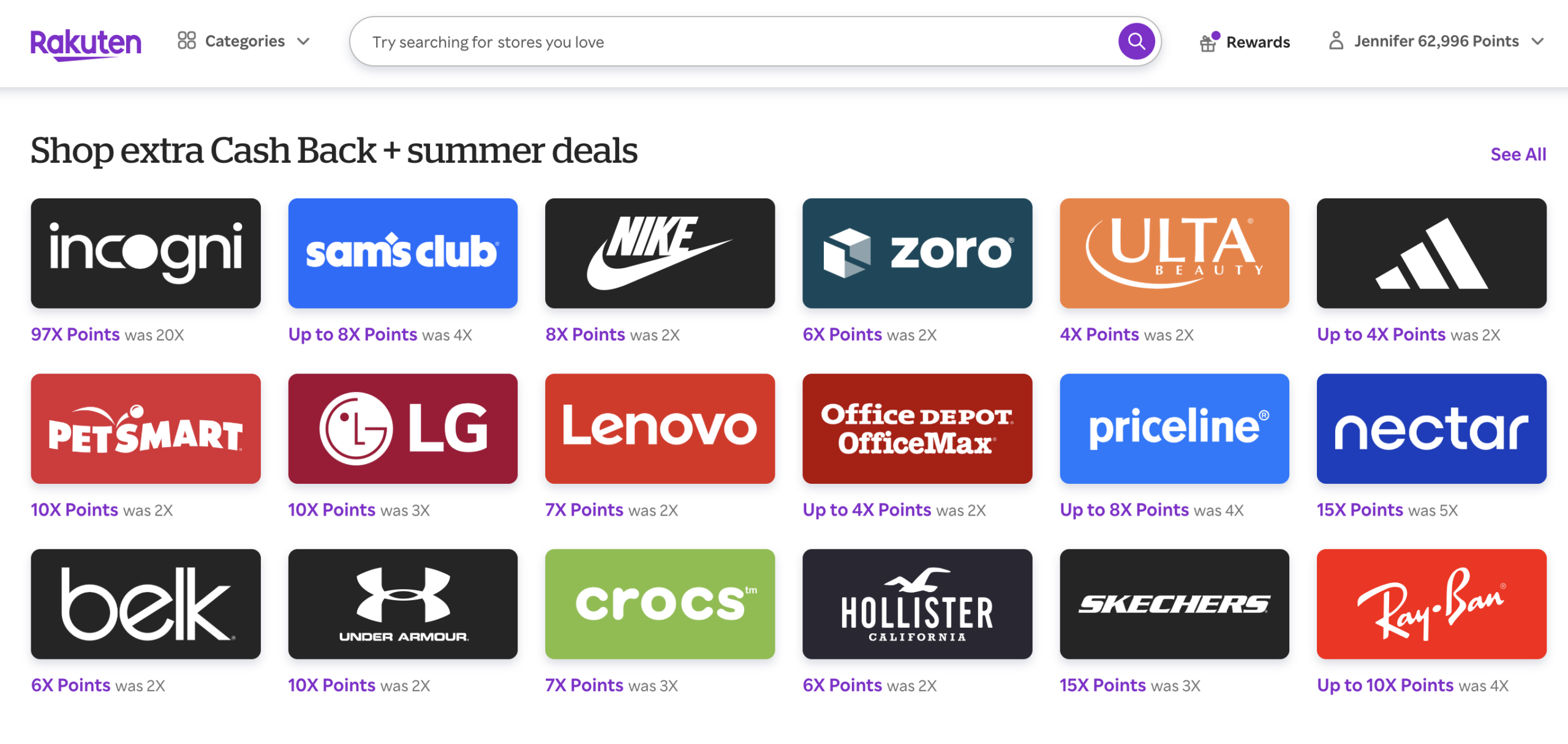
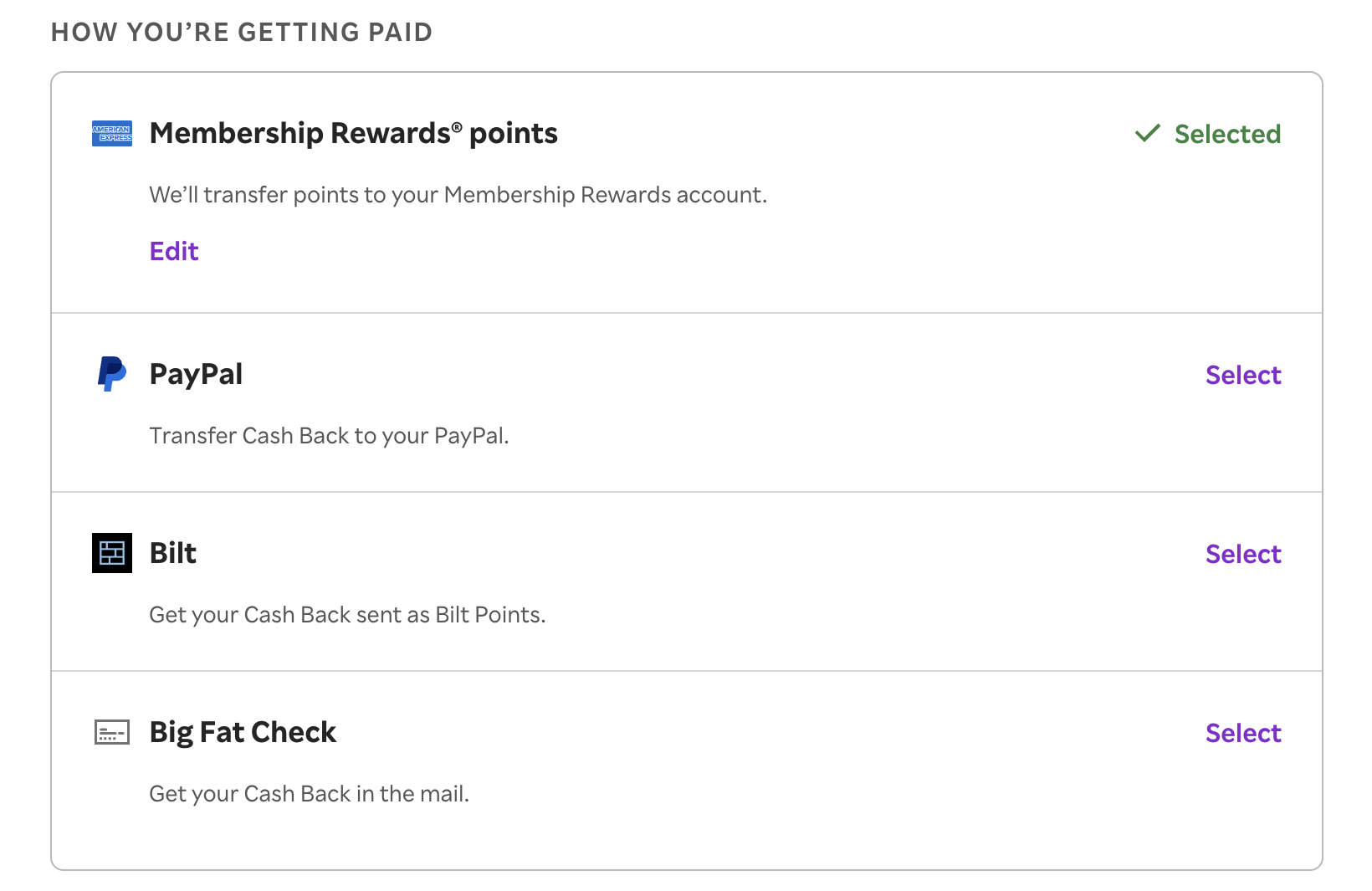
You can sign up for Rakuten using our link, which will earn you the best-ever $50 / 5,000-point welcome bonus. If you have a Membership Rewards earning card, you can set up payment options in the account settings page. Examples of these are the American Express Gold Card(review) and the Platinum Card from American Express (review). If under 5/24, you can still join the fun without affecting your 5/24 status by opening a business card, such as the Blue Business Plus Card from American Express(review). If you have a Bilt account, you can also earn Bilt points—just note that you now need Bilt’s Silver elite status or higher to access a 1:1 conversion ratio.
Rakuten is accessible via desktop or mobile app. It also has a chrome extension tool that will remind you when a website qualifies for earning cash back, Membership Rewards or Bilt Rewards with Rakuten. Lastly, if you want to compare portal portal payouts, you can use Cashback Monitor. Now you are ready to shop!
JOIN HERE (Our Referral Link)
Tracking and Payouts
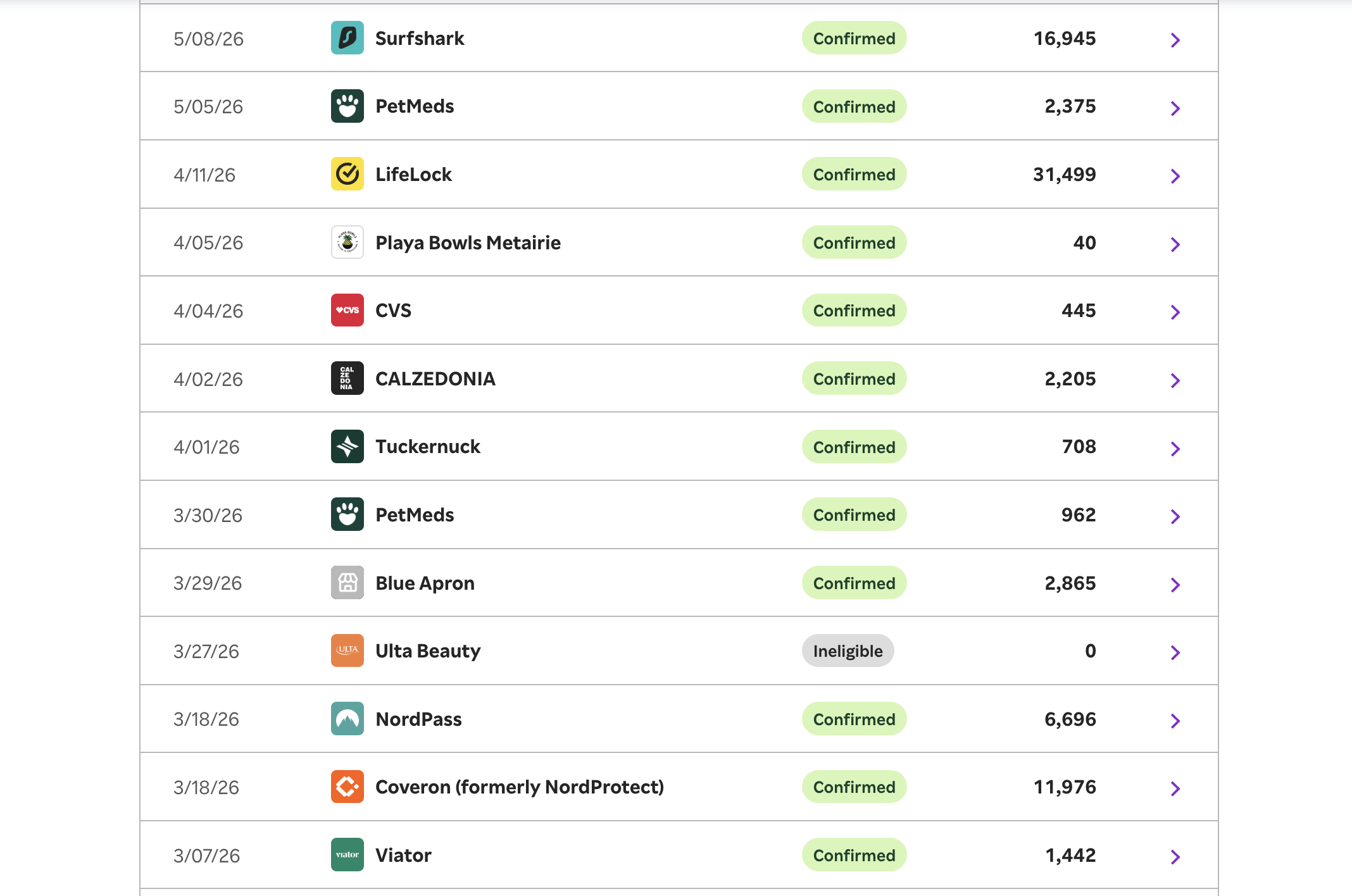
Rakuten tracks every shopping trip under the shopping trips section on the drop down menu. Each store may track on a different timeline. Once the shopping trip tracks, you will see it marked as “confirmed.”
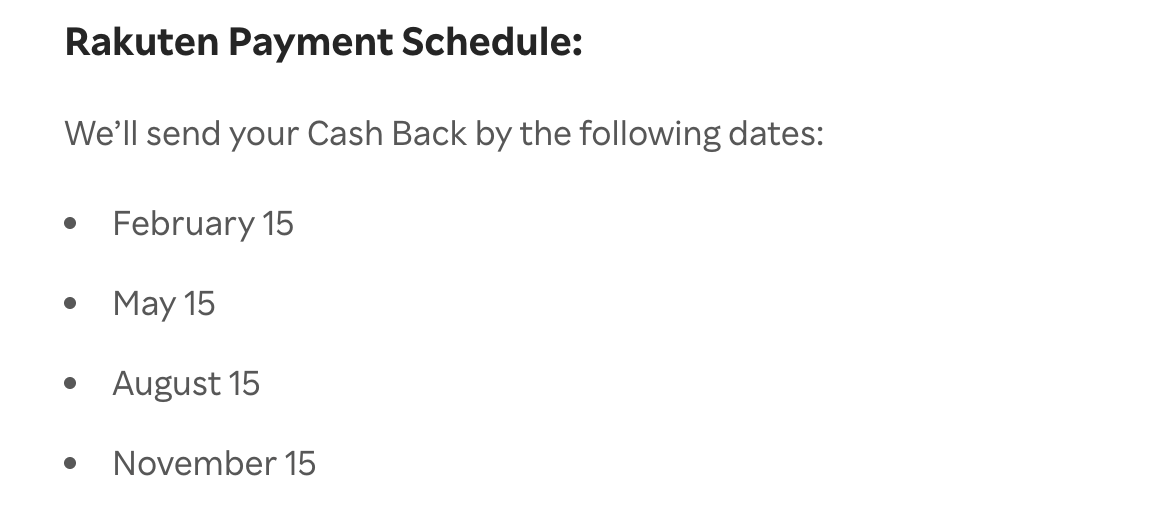
Payouts are sent quarterly via the option you choose. Rakuten also sends a notification of payment via email.
Some folks get confused by how everything converts to rewards. If you have your account setup to earn Bilt points, your account may show earnings as cash back, regardless of which payout method you selected. The payouts will turn into points once transferred over to your account. Just note your converstion ratio depends on your Bilt status. Rakuten shows MR-earning accounts their points multiplier, so you can easily calculate exactly how many points you’ll earn.
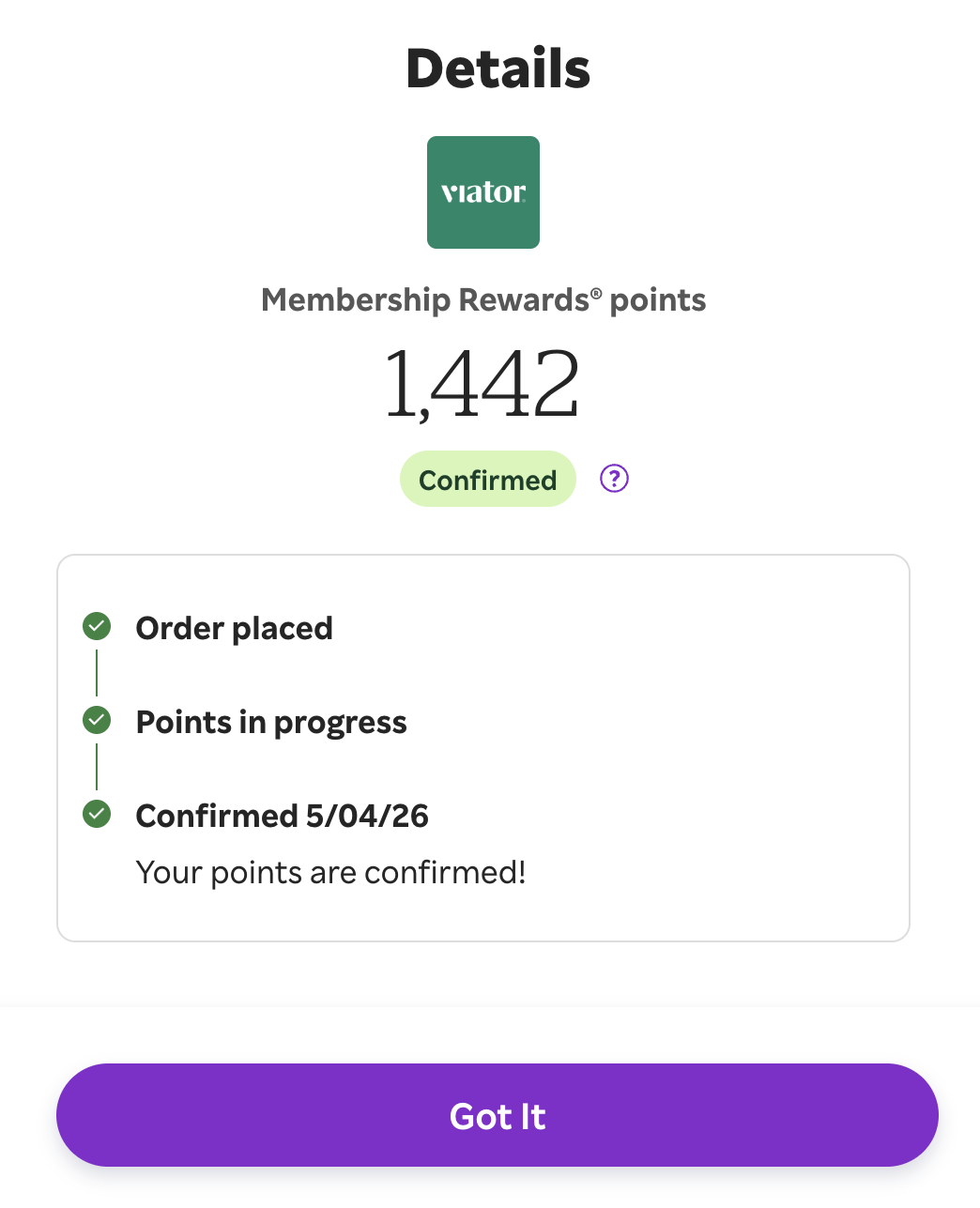
Points may post in a couple of different ways depending on the offer. The first way is strictly a percentage at a store. In this example, Viator was elevated at 14% on a $103 purchase. If you were earning cash back, this would be $14.42. Since I earn MRs, I received 1,442 points.
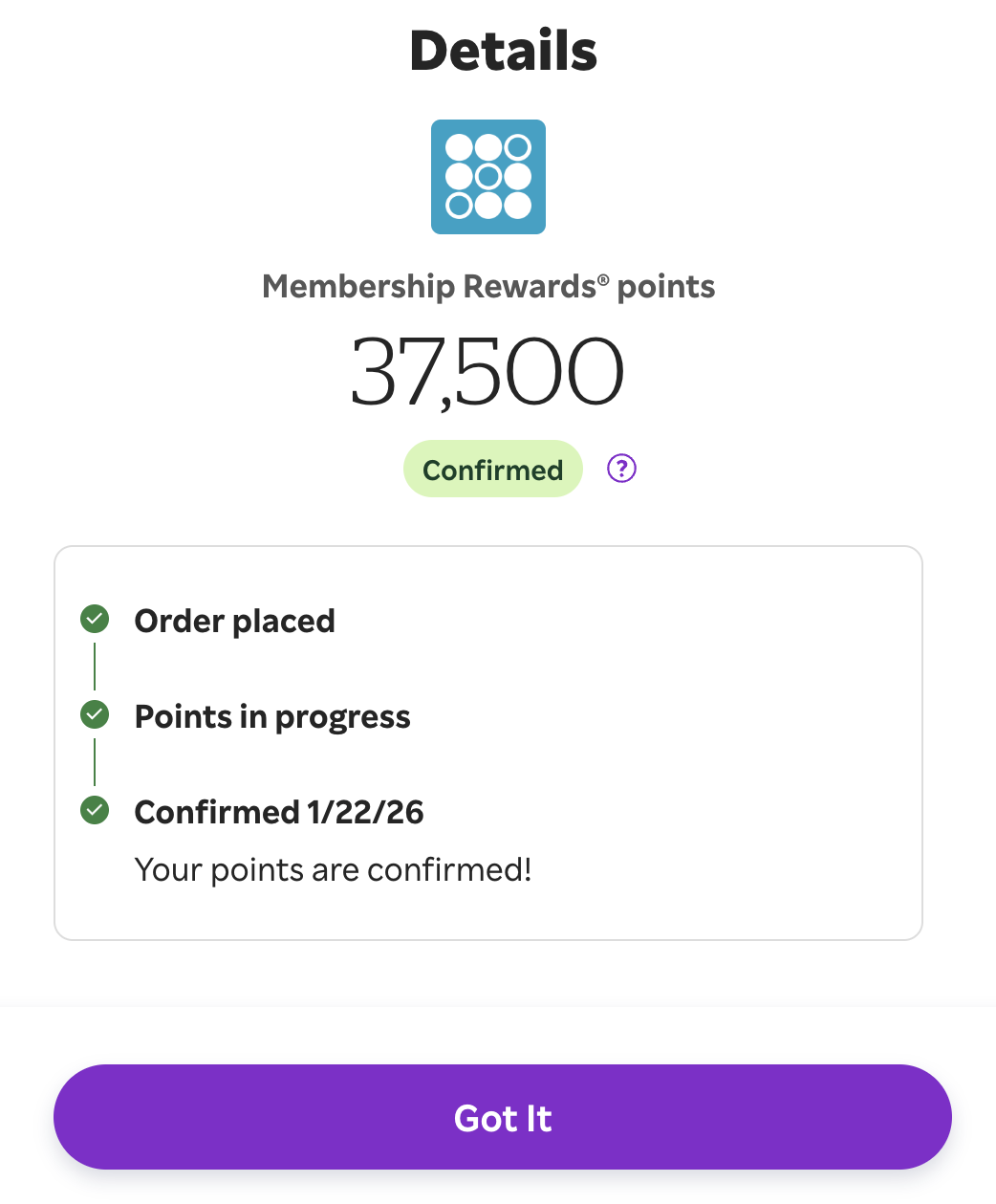
The second way is lump sum cash offers. You see these often with bank bonuses, food meal kit programs, etc. Hugely popular examples are the Sofi bank bonus and Kraken deal. Hopefully, you can now see how rewarding this program can be.
Stacking
Stacking is when you combine one or more offers to earn more points or save more money. As just one example of this, I recently ordered meal delivery kits from Freshly. This had a $60 cash back offer, which earned me 6,000 MRs. I also had an American Express offer for $10 off a purchase of $50 or more. So, I earned MRs via Rakuten while also saving an additional $10 via the Amex offer.
JOIN HERE (Our Referral Link)
ToP Thoughts: How to Use Rakuten
Now that you know how to use Rakuten, it is a great way to earn cash back, Amex Membership Rewards or Bilt points for everyday purchases. Stacking to save extra money or earn bonus points can lead to even more free travel. Do you use shopping portals like Rakuten? Share your thoughts in our Facebook group.