
Hyatt Search Tips
We get asked about hotel choices and preferences multiple times a day. Members want to know which Hyatt they should stay at, which properties can accommodate their whole family (and in what rooms) and more. Some of that boils down to making travel decisions to determine your personal preferences on where your travel family or friends would like to go. But there are also some great tools on the Hyatt site to find the best hotel for your trip. We’ve broken down some of those Hyatt search tips for you. Keep in mind that many of the hotel brands have similar search features—so this may be useful for them, too.
The Initial Search
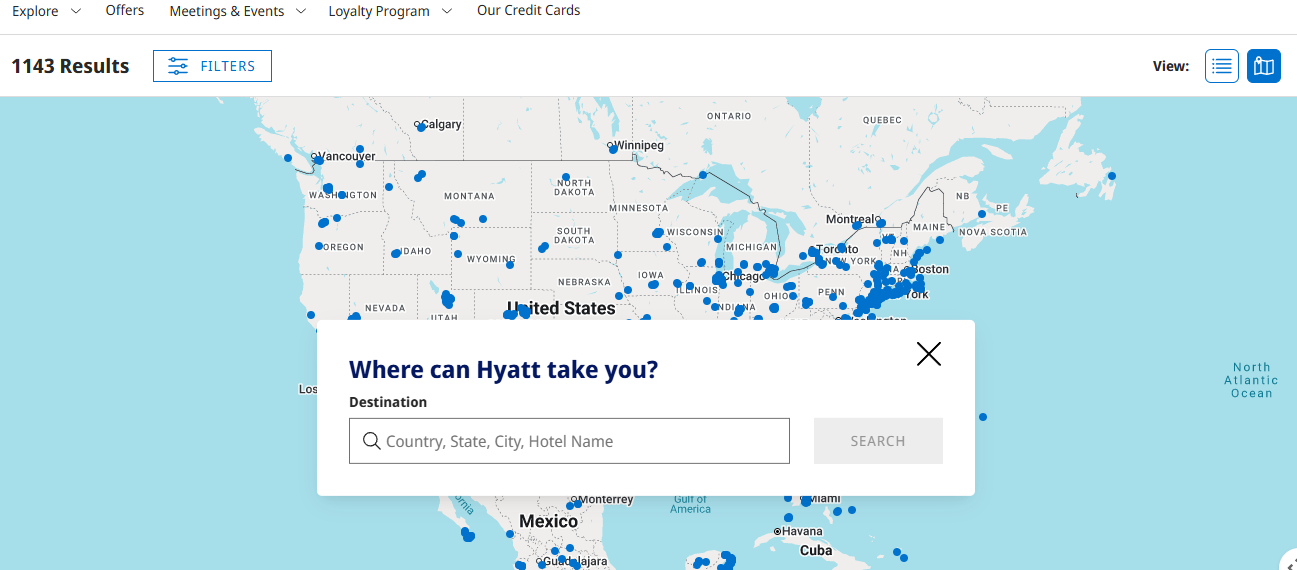
While Hyatt has launched some AI tools within its site, they were not very effective in my test searches. Instead, I prefer to start with the map’s “explore feature.” Here, you will be able to search the entire map of where Hyatts are located. You can also narrow down by multiple categories.

Search Filters
Choosing the filters tab will allow you to search in a number of ways to narrow down your preferences. These include:
- Popular Amenities (such as Free Breakfast, Free Internet, Free Parking, Room Service, Fitness Center, Pool, Pet Friendly)
- Other Amenities (such as Laundry, Resort Property, Golf, Casino, Spa, Camp Hyatt, Meeting Facilities)
- Award Categories
- All Inclusive Categories
- Brands
This allows you to choose the Hyatt features that matter to you. Want value? Choose by price. Want luxury? Choose by price or brand. This is a useful way to help narrow down what works for your personal preferences.
The Points Calendar
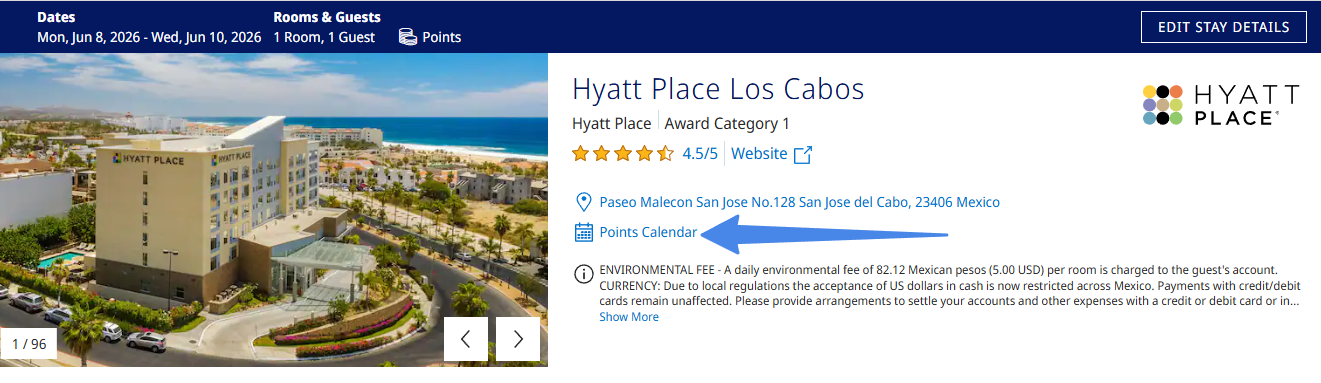
Once you find a hotel you want, you have a few different ways to check pricing. You can start with just putting in your dates of stays and see if there is availability.
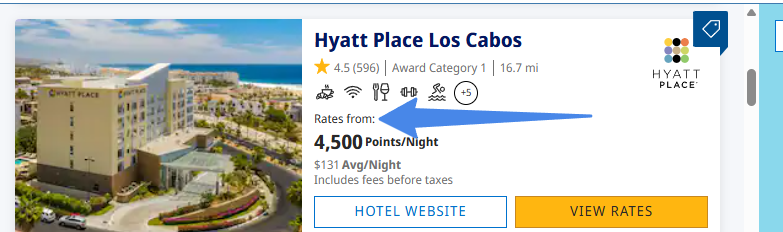
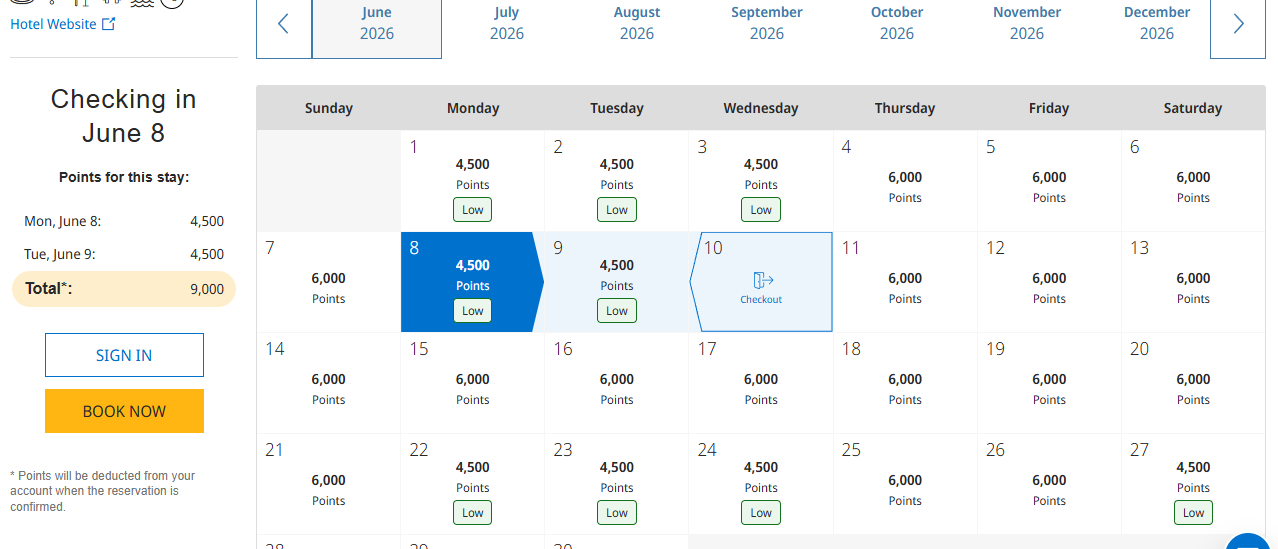
One thing you will notice is that the points price will say, “rates from” and then an amount. The points calendar will help you see what the exact price is for each date. This can be great for scouting out the lowest priced nights. This can all be done without signing in, as well.
Family Travel: Navigating Room Occupancy + More
One of the most frequent questions we get: How to book for more than two when traveling internationally. Due to strict regulations in many countries (and all-inclusive properties, too), you need to do some more work in most cases. You cannot just show up with more people than you booked for. Each property can be a little bit different in their policies, as well, which makes it tricky. But here are a few tips to help.
Searching For Families
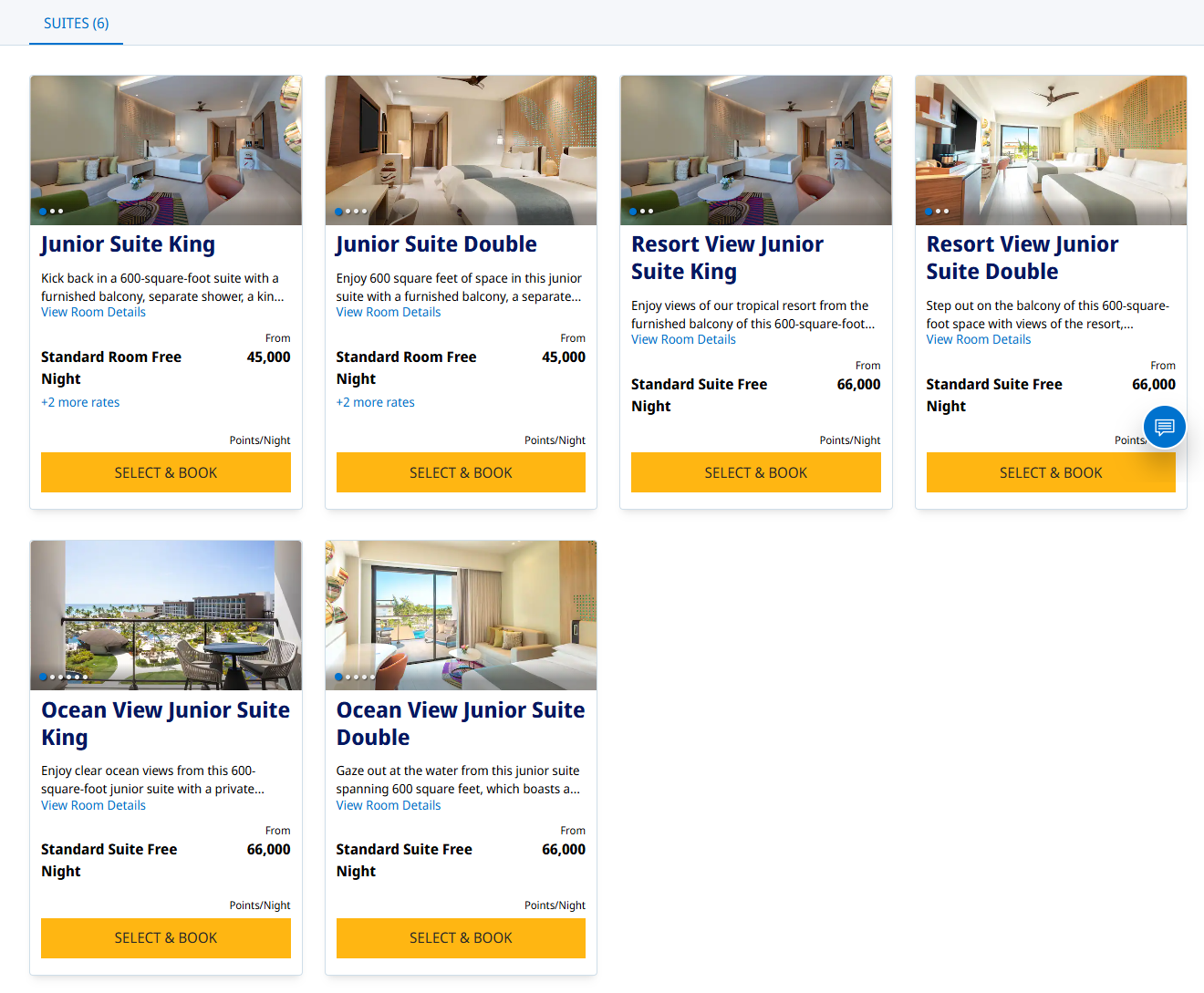
We recommend starting your search for two people. This will show you what the highest availability is as a starting point. You can then take one of two directions. Try entering the three or four guests you have, and see what the availability shows. Often times this is where it will show no availability or maybe an increased priced. Some hotels, including all-inclusives, will price out more guests.

Room Occupancy
Some hotels will show their occupancy when you check a hotel website. But not all hotels show this consistently. My booking examples from Ziva Cap Cana did not show occupancy specifics, but Ziva Cancun did. This is why our tips below may help confirm room occupancy and adding guests.
Using Suites
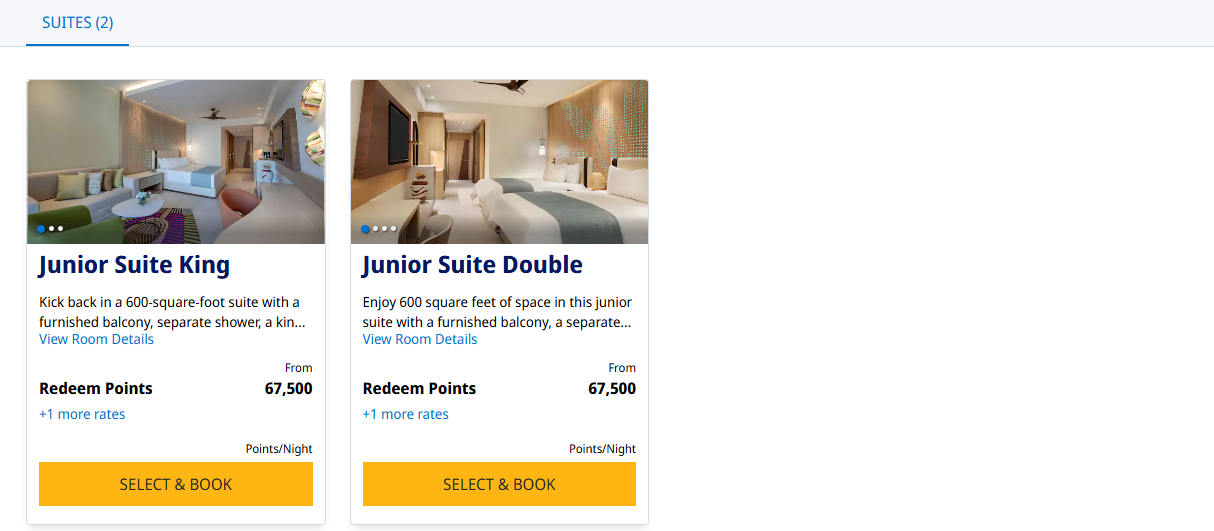
Booking a suite may give you more space and room occupancy. This can bring great value with Hyatt, since it has Suite Upgrade Awards (SUA). These can be earned via Hyatt milestone awards. If a suite is available at booking, you can simply apply one of these awards, which will book you directly into a standard suite.
Adding Guests
If you need to add guests, there are a couple ways to do it. This can be done by reaching out to the property. If you don’t have a good number, Hyatt is great about publishing numbers or email addresses for properties. Hyatt will allow you to add kids for cash or points per night. That rate may vary, as well as what they consider a child. Some Hyatts are known to have a “family rate,” where you can get a second room for half the price. You can always inquire about it and see what they say. It has long been an under-the-radar, unofficial program. Some hotels have never heard of it, and some have. Some have reported a manager being able to do it. Others, not so much. Ask about adding a guest with either cash or points. If you have searched previously, as we did above, you can now compare that price difference to what the hotel may charge going through them directly.
Other Tips For Picking A Property
Looking for reviews or destinations? Search the ToP website to see if there are any articles involving your location or hotel. The ToP Facebook group can be a great resource, too. Search the group for a city or keyword such as “Paris,” “All-Inclusive” or “Caribbean.” Once you add the word “Hyatt,” sometimes it will give you every Hyatt search. Looking for recent photos? I like using TripAdvisor to see the travelers’ photo section of a resort. I skip the actual TripAdvisor reviews mostly, unless I am looking for a key detail.

Hyatt Search Tips: ToP Thoughts
Searching for hotels can feel daunting at times. However, using some of these Hyatt search tips may help you narrow down your choices and see the best price trends in a monthly view. How do you search for Hyatt hotels? Come over to the ToP Facebook group and share your thoughts.